
Build your AI context
Contextable Me helps you build and manage the context you share with AI. Save what matters, load it when relevant, and stay in control of what your AI knows.
Quick Start
Get up and running in under 2 minutes:
Create your account
Sign in at contextable.me with Google — new accounts are created automatically.
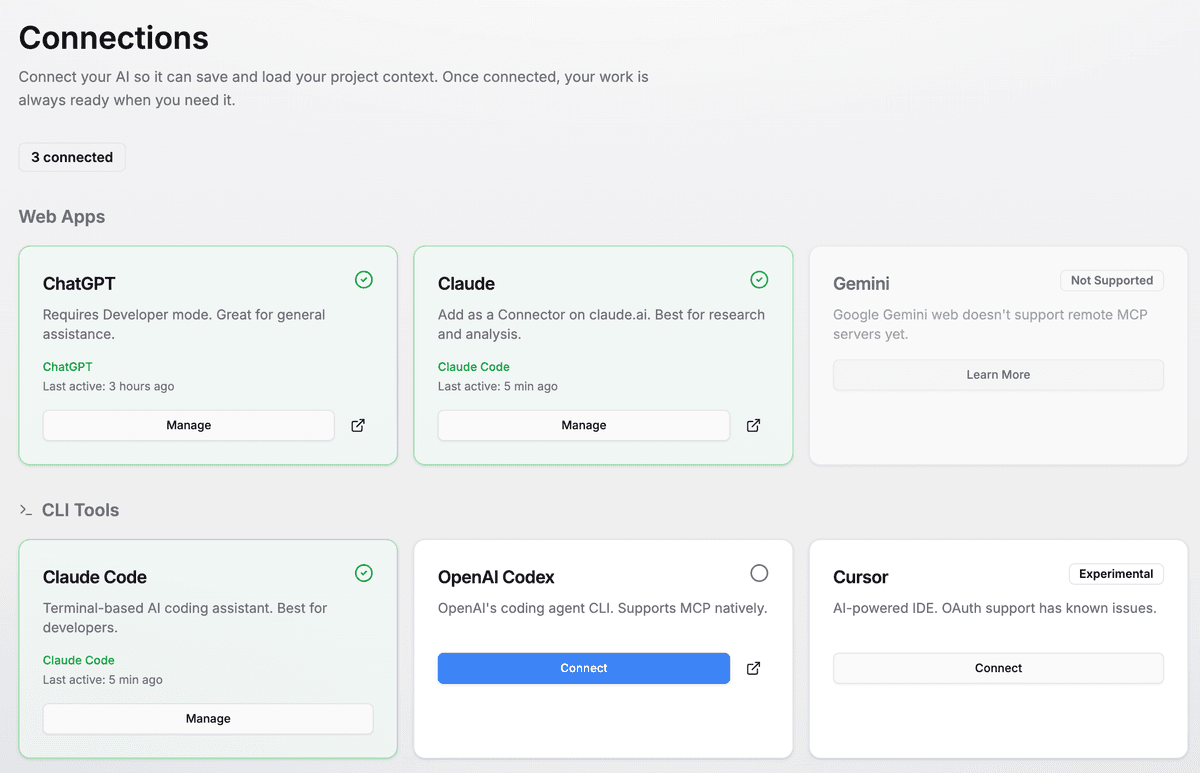
Connect your AI
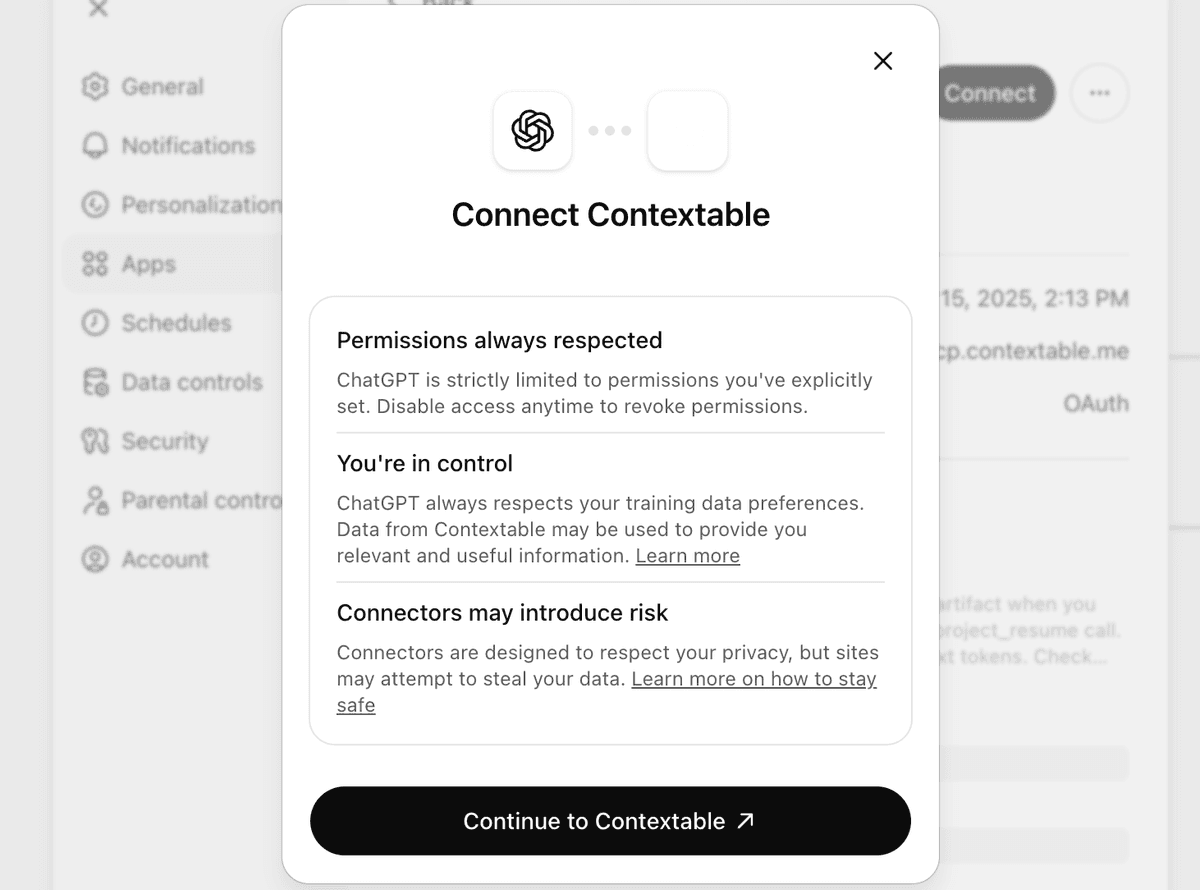
Go to Connections and link ChatGPT, Claude, or another AI platform.
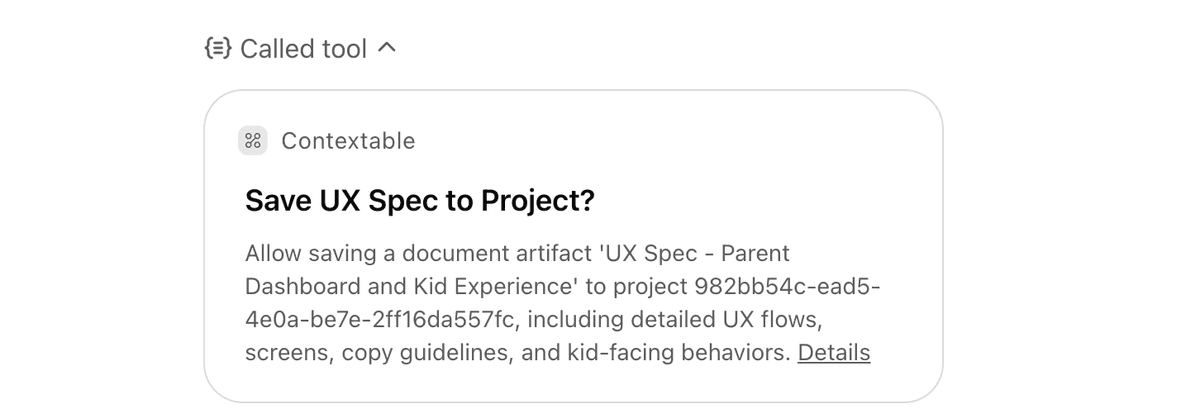
Save a conversation
In any AI chat, enable the Contextable connector and paste our save prompt. Your work is now preserved.
What You Can Do
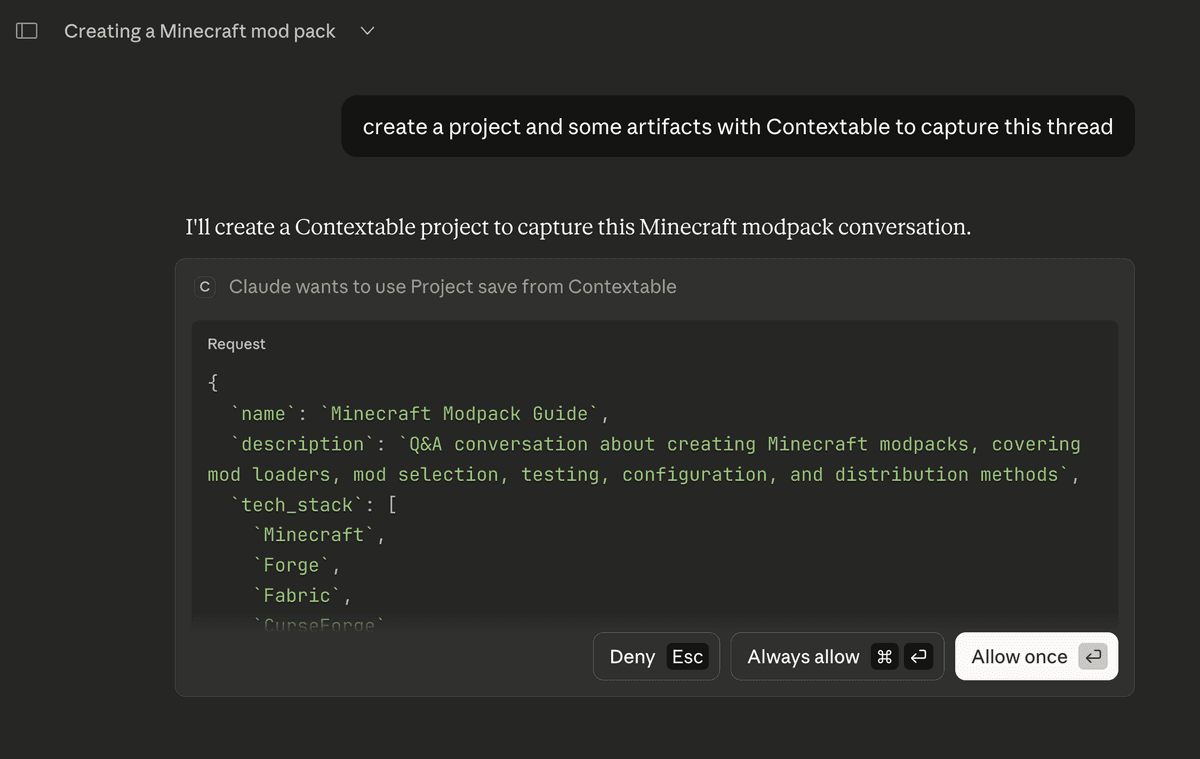
Save Conversations
Capture everything from a chat - goals, decisions, progress, next steps - in one organized document.
Resume Anytime
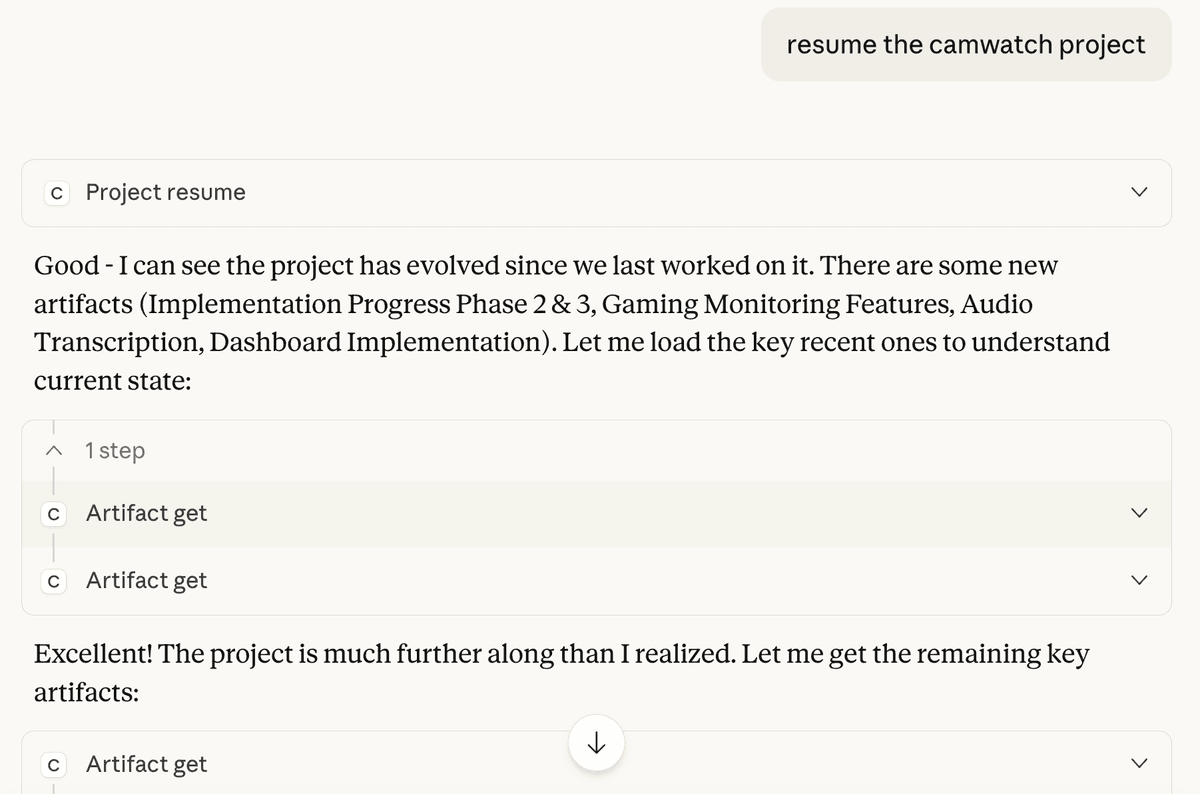
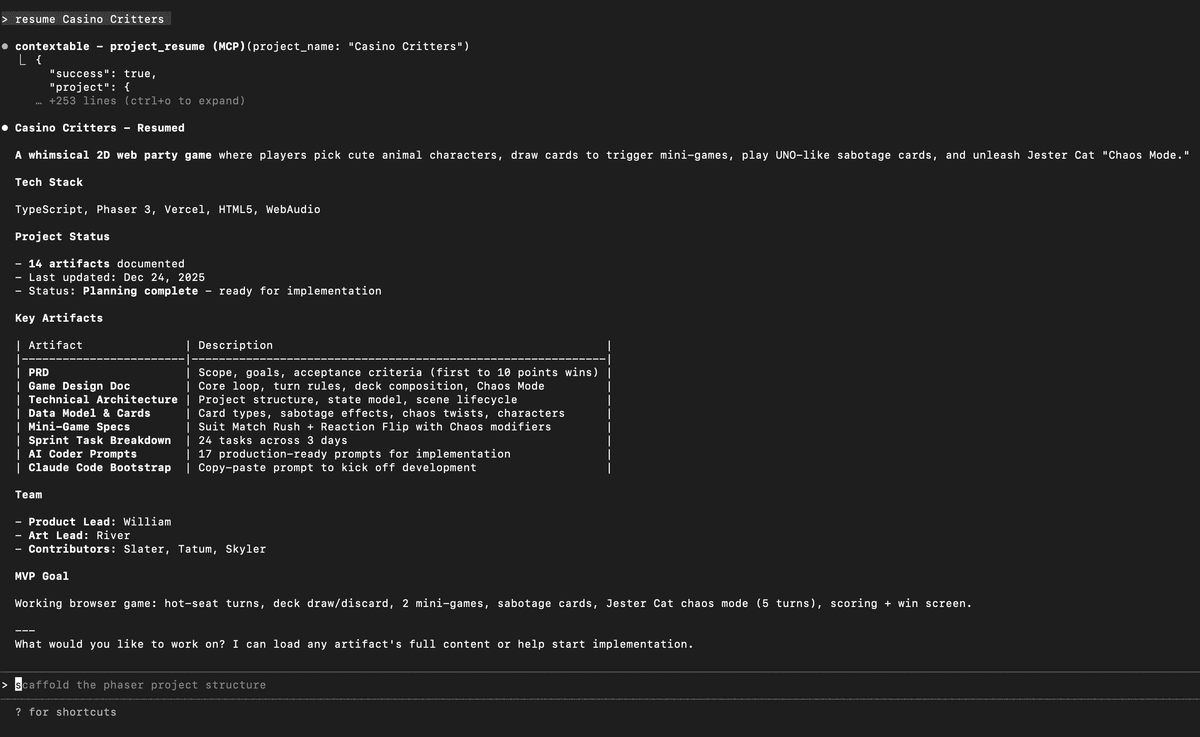
Start a new chat and load your saved context. The AI instantly knows everything you discussed before.
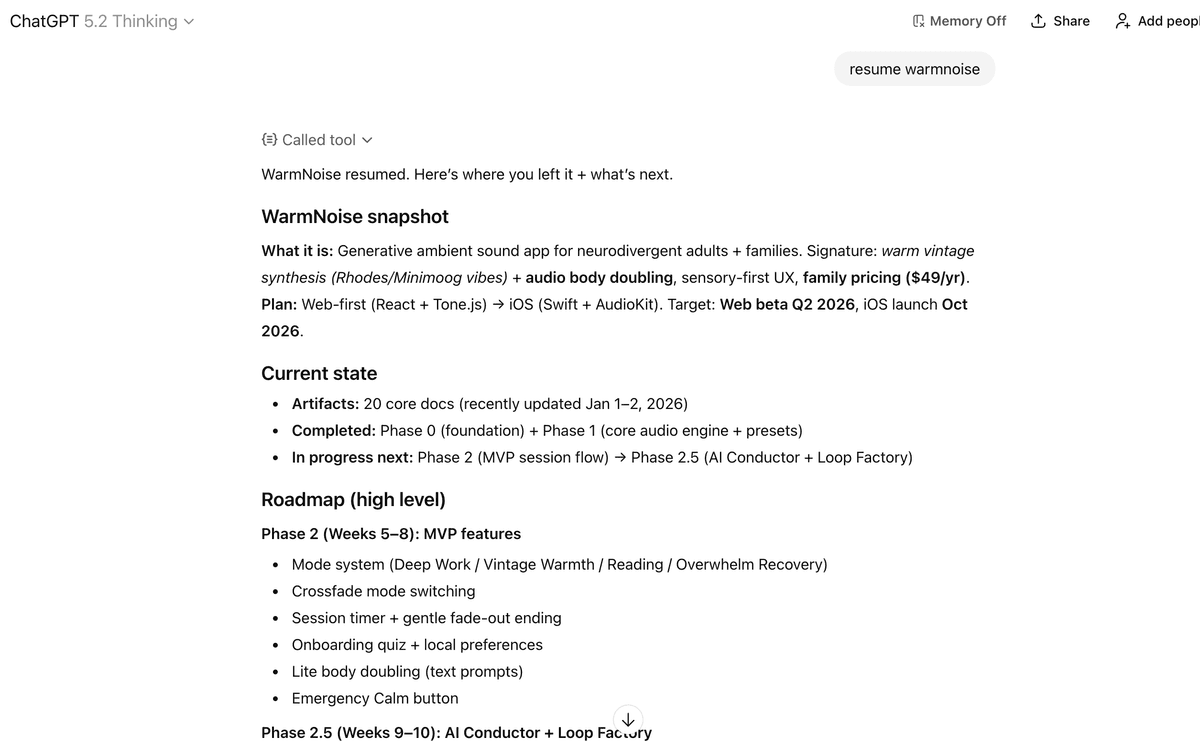
Easy to Connect
Works with ChatGPT, Claude, and other MCP-compatible AI assistants. One-time setup, then it just works.
Build Over Time
Each session adds to your project's context. Watch your knowledge compound across conversations.
See It In Action
Your Project Dashboard
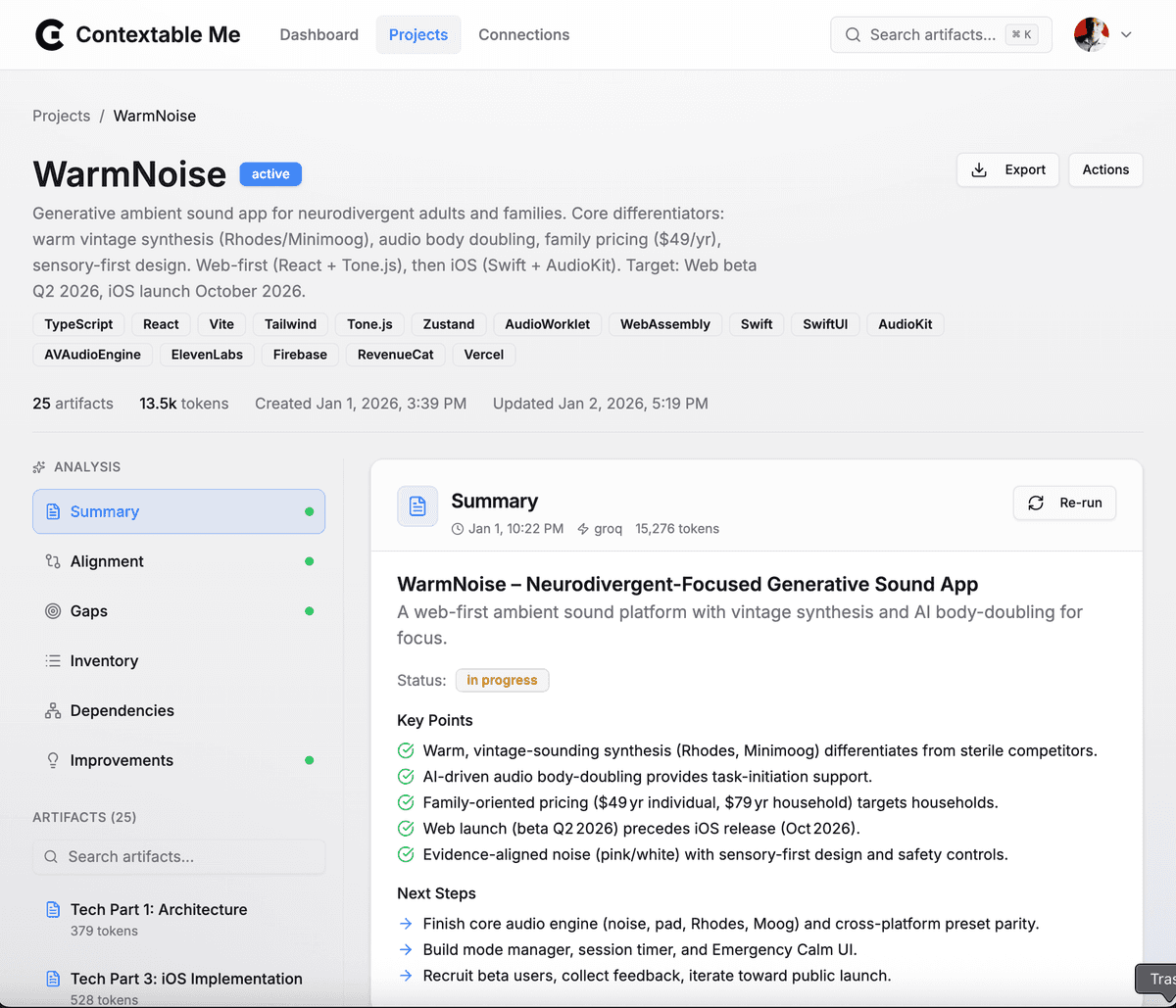
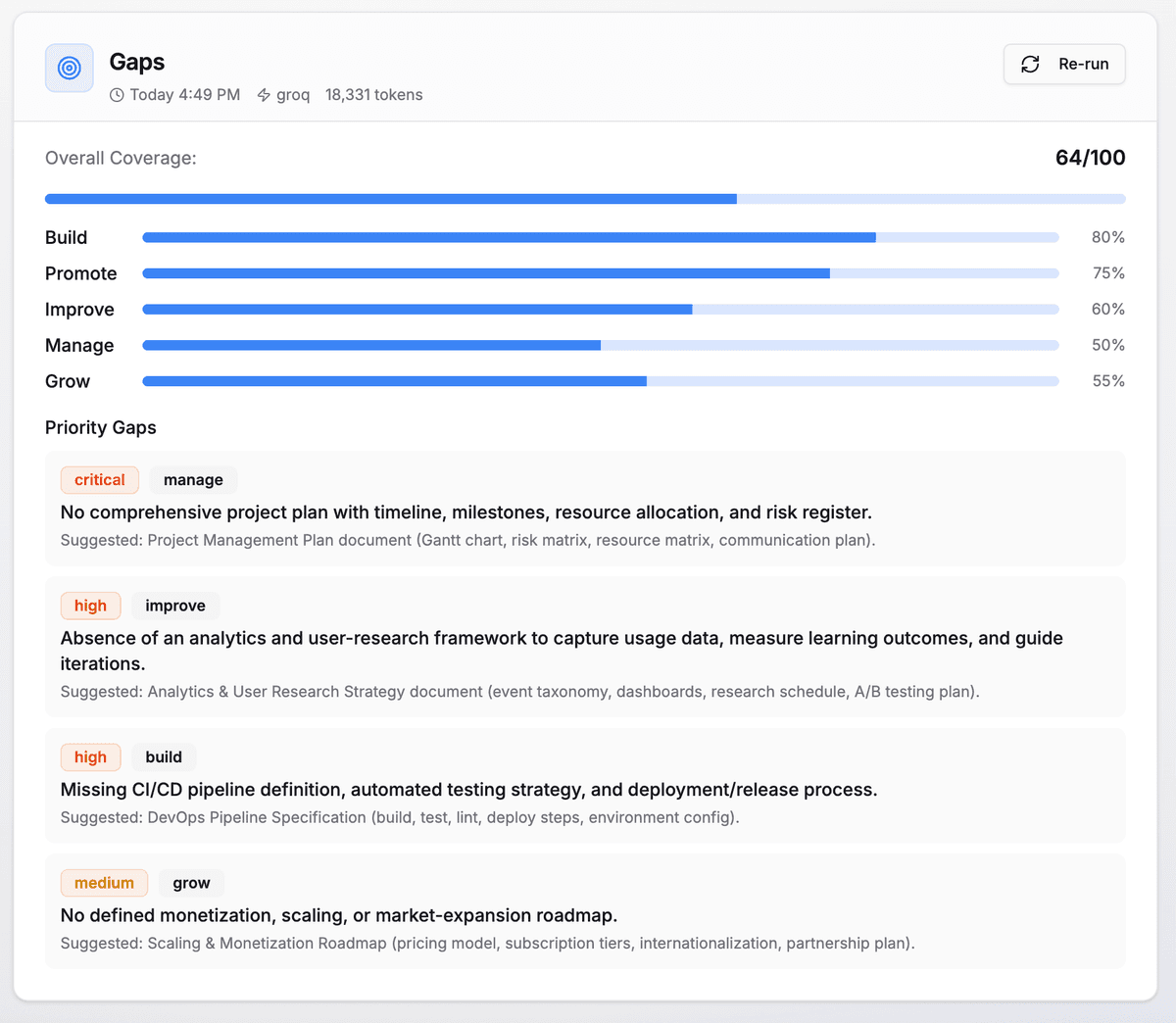
AI-Powered Analysis
Why This Matters
The problem: Every AI conversation starts from zero. You explain your project, make progress, close the tab... and next time you have to explain everything again. Insights get lost. Decisions get forgotten.
The solution: Contextable Me puts you in control of your AI's context. Save what matters, share it when relevant. Your AI only knows what you choose to give it.
One source of truth your AI assistants can share — ChatGPT and Claude can finally collaborate on the same project.
Example Prompts
Once connected, just ask your AI naturally:
"Resume my Contextable project with just the core artifacts"
"Save this decision to project X"
"What's the gap analysis for my project?"
"Search all my projects for 'authentication'"