
Connecting AI Platforms
Link your AI assistants to Contextable so you can save and load context from any conversation.

Supported Platforms

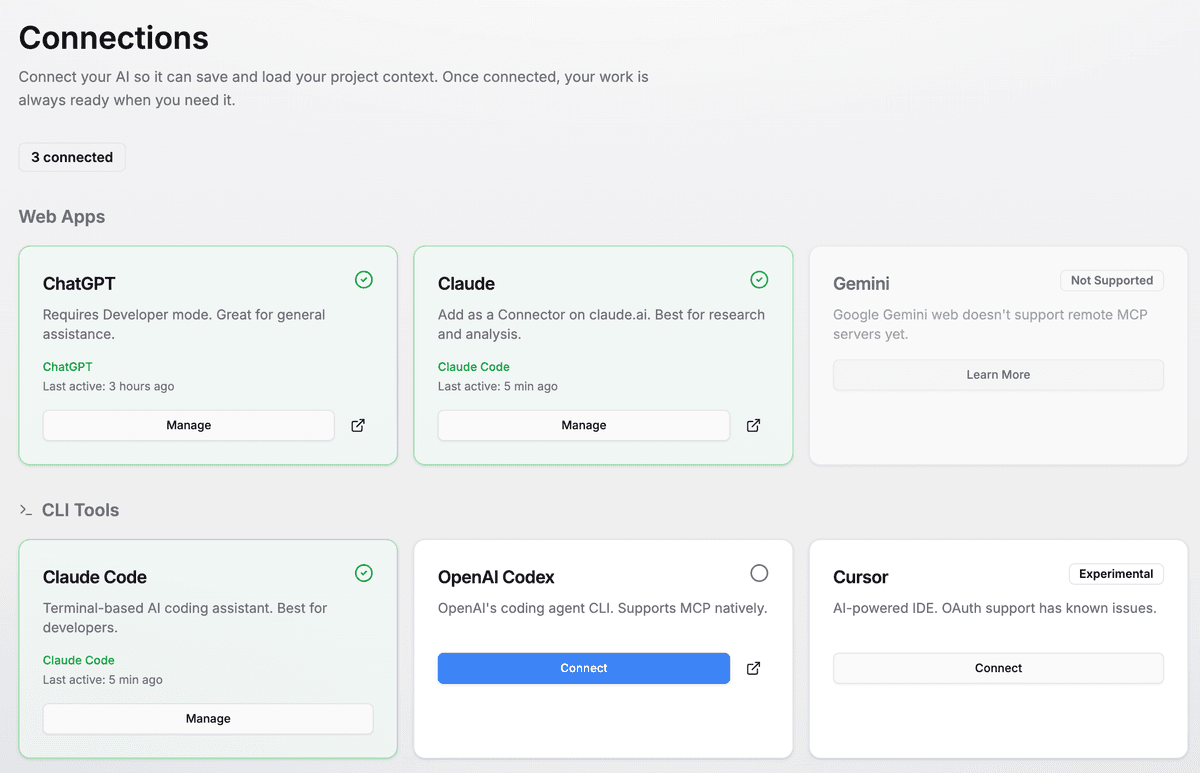
ChatGPT
Plus/Team required

Claude
Web & Claude Code
OpenAI Codex
CLI tool
Any MCP Client
Universal protocol
What Happens When You Connect
Your AI gets new abilities
The AI can now save projects, create documents, and load your saved context.
You control when it's used
Nothing is saved automatically. The AI only accesses Contextable when you explicitly ask it to — you choose what to store and share.
Your data stays yours
Projects are saved to your Contextable account. The AI platform doesn't store them.
Common Issues
"Connection failed" error
Make sure you're signed in to Contextable before authorizing. Try signing out and back in, then reconnecting.
Tools not appearing in chat
After connecting, you may need to enable Contextable in each conversation. Look for a "connectors" or "tools" menu in your AI interface.
ChatGPT Plus required
MCP connectors require ChatGPT Plus or Team. The free tier doesn't support external integrations.
Still having trouble? See our troubleshooting guide or contact support.